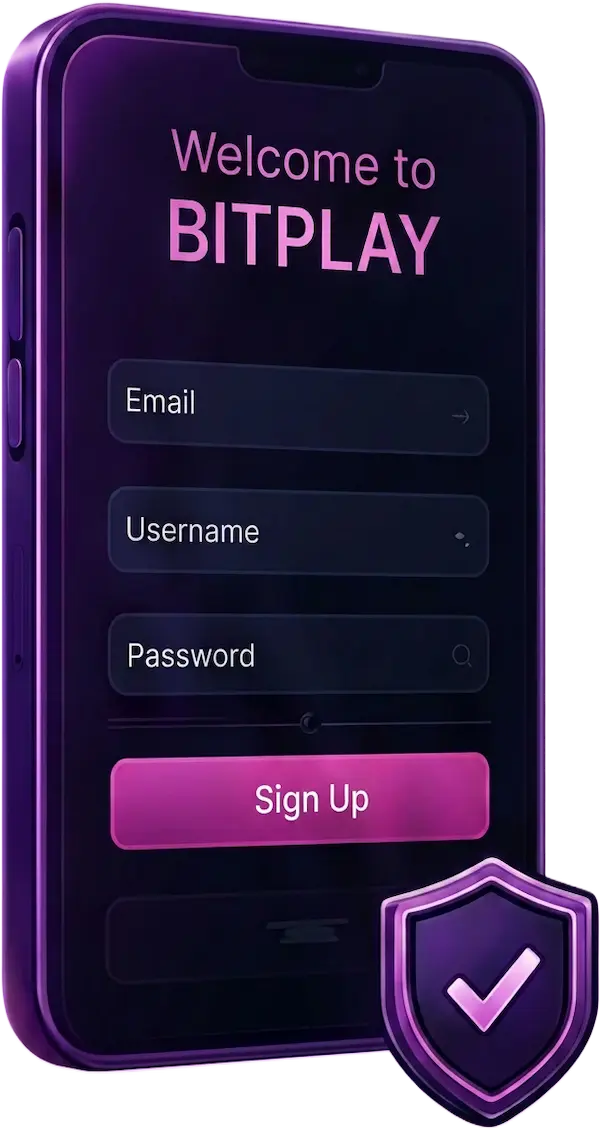
Registration Process
Click Sign Up
Enter your account details
Create a secure password
Accept the platform terms
Submit and sign in
Simple steps to fund, play, manage rewards, and withdraw through PLAYGAMES2026.

Registration takes only a few minutes and does not require identity-document upload in the current account flow.
 Use a real, reachable emailIt is used for account and provider-access notices.
 Keep your credentials privateYou must meet the age and location rules in the platform terms.
Fund your PLAYGAMES2026 Main Wallet or direct a qualifying checkout to a supported gaming platform.
 Crypto paymentsTrySpeed checkout supports the currencies and networks displayed at checkout.
 USA local paymentsUse only the local methods displayed in the live NOROS checkout.
A balance is credited only after the payment provider confirms a successful transaction. Pending or expired checkouts never add wallet funds.
Eligible promotional rewards are credited to your Bonus Wallet and remain separate from deposited funds.

 Deposit Bonuses
 Promotional Credits
 Awards Points
 Wheel Rewards
 Loyalty Rewards
 Seasonal Events
PLAYGAMES2026 does not issue a signup bonus. Eligible first-, second-, and third-deposit offers must follow the active promotion rules shown before payment.
Three clearly separated balances protect the source and redemption status of every dollar.
Funds you deposited through a confirmed TrySpeed or NOROS payment. Use them to fund supported platforms or eligible PLAYGAMES2026 play.
 Deposited funds
Promotional credit from eligible offers, awards, and events. Bonus credit is not directly withdrawable.
 Promotional play only
Eligible provider-cycle profit and qualified winnings available for a withdrawal request, subject to platform rules.
 Eligible for withdrawal
Main, Bonus, and Cashable balances cannot be combined in one provider funding cycle. Finish the active cycle and return the provider balance to zero before changing its source.
Transfer credits to Fire Kirin, Panda Master, Game Vault, or Juwa from one connected account center.

 Choose a platform
 Enter at least $10
 Confirm transfer
Do not mix wallet sources inside an active external-provider cycle. Platform balances are refreshed from the provider before transfers and when you return to PLAYGAMES2026.
Launch connected providers or play 1:55 games inside the PLAYGAMES2026 game shell.

 Fire Kirin
 Panda Master
 Game Vault
 Juwa
JuwaEligible deposits advance your player level. Your current level controls benefits and the daily withdrawal limit shown in your account.
Move eligible funds into Cashable Balance, then submit a secure withdrawal request.
Minimum withdrawal is $20. Only eligible Cashable Balance can be requested. Daily limits depend on player level, and every request is subject to security and transaction review.
Activate eligible offers and follow your awards, wheel rewards, events, and player-level progress.
 Deposit BonusesAwards Program
 Fortune Wheel
 Player Levels
 Special EventsSeasonal Promotions
Check the live Promotions and Royal Features panels before funding. Eligibility, dates, limits, and playthrough conditions can differ by campaign.
PLAYGAMES2026 support can help with account access, payments, transfers, games, promotions, and withdrawals.